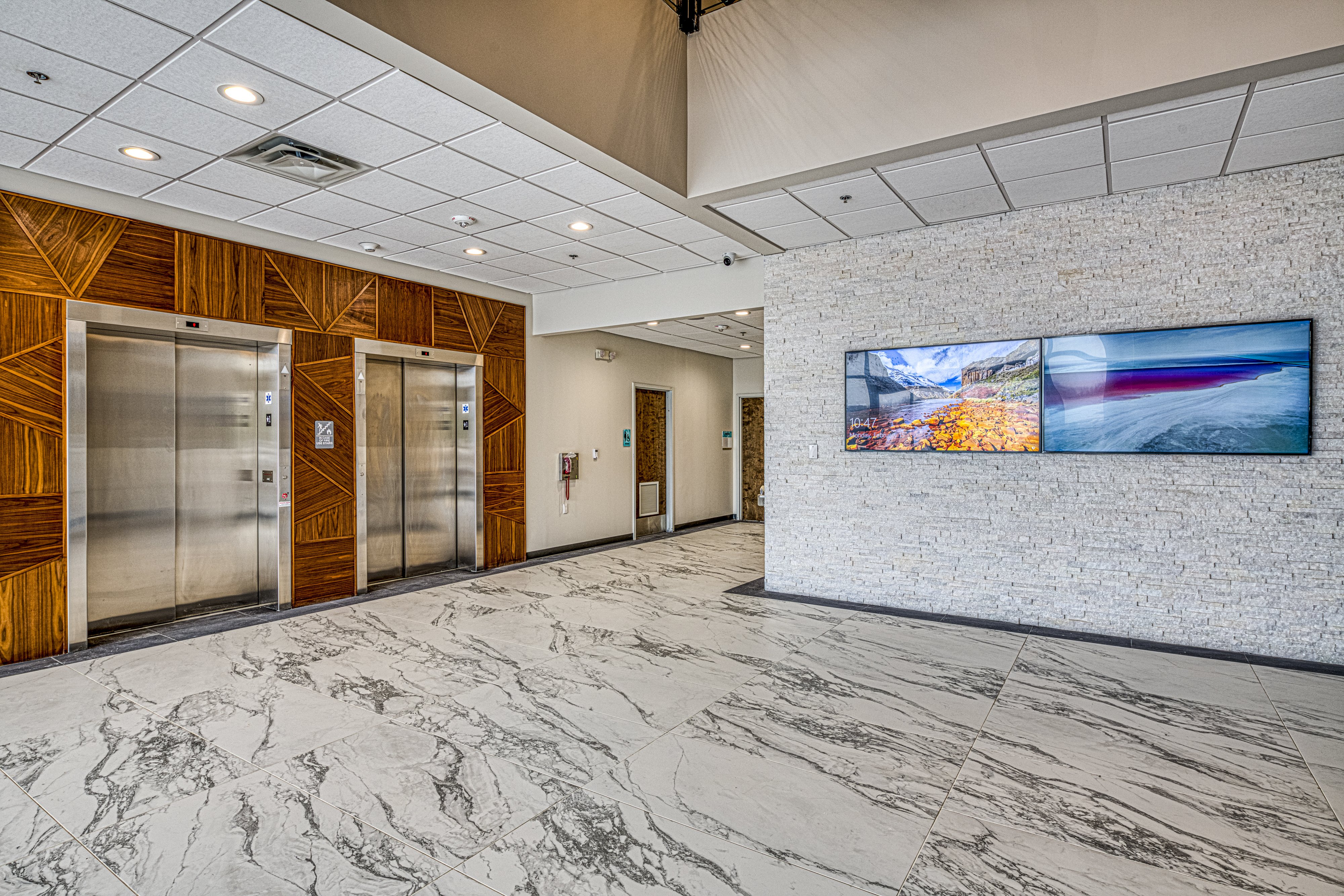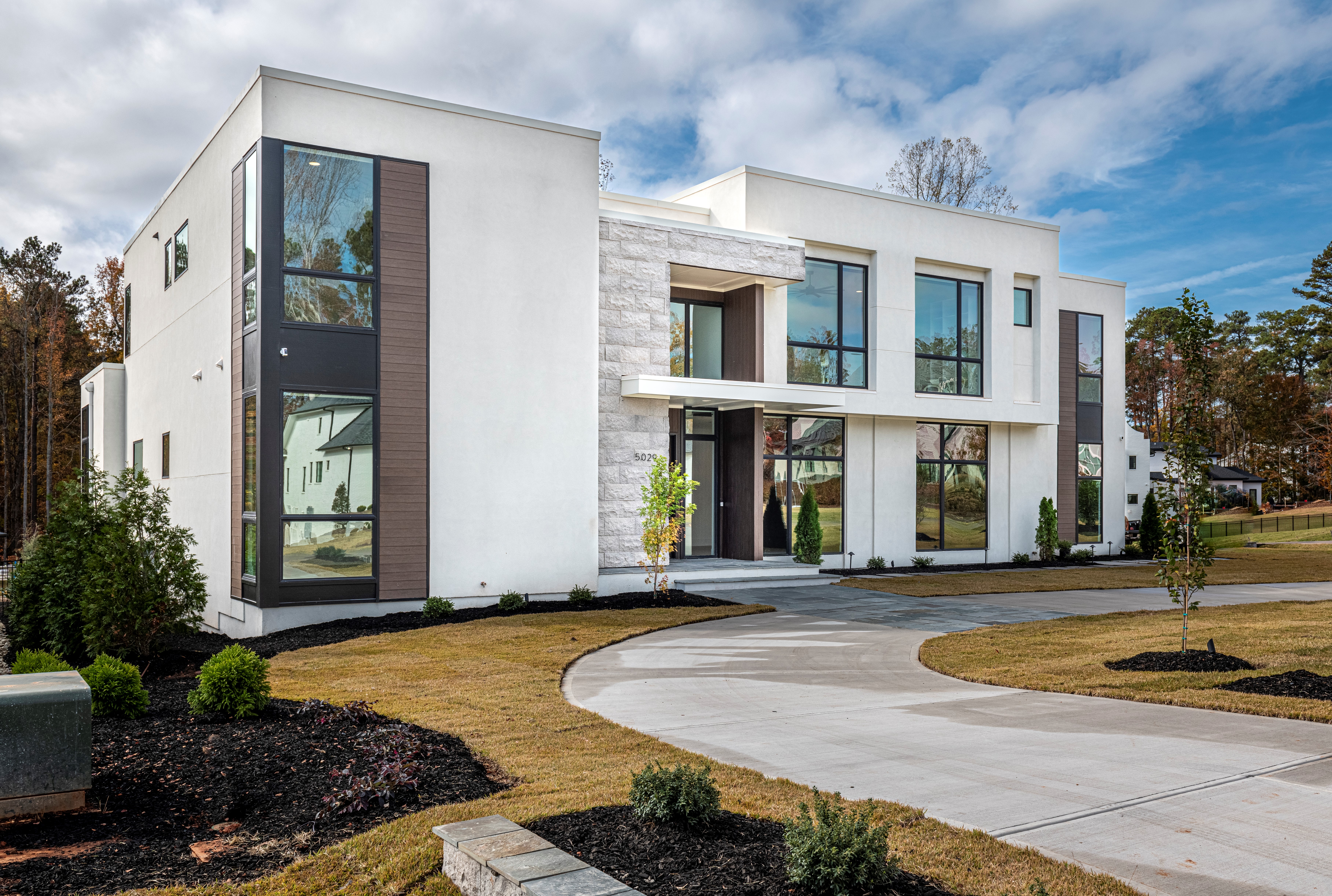
Every new apartment community breaking ground in Raleigh, Cary, Durham, and Apex is competing on more than square footage and finishes now. Prospective residents tour a property and judge it on whether the Wi-Fi actually works in every unit, whether the clubhouse TVs and speakers look professional or improvised, and whether the package room and gate access feel modern or dated. We design and install apartment complex technology packages for property owners and management groups across the Triangle, and the properties that invest in this correctly see it show up directly in leasing and renewal numbers.
Here is what a properly planned multifamily technology package actually includes, what it costs, and the mistakes we see most often when it is handled as an afterthought.
The Three Systems That Matter Most on a Resident Tour
Multifamily technology covers a lot of ground, but three systems drive the majority of resident satisfaction and leasing impact. Get these right and the rest follows.
1. Property-Wide Managed Wi-Fi
Bulk, managed Wi-Fi is the single highest-impact amenity a property can install. Instead of every resident scheduling their own ISP install and running their own router, each unit gets a dedicated access point wired back to a central network closet, broadcasting a private SSID that belongs to that resident. It looks and feels exactly like a home network, but the property owns and manages the whole system.
For most Triangle properties we design around Ubiquiti UniFi hardware — a Dream Machine Special Edition or Enterprise Fortress Gateway at the head end, layer-2 managed switches to each building's IDF closet, and one U6-series access point per unit for in-unit coverage plus U6-Enterprise or U7 outdoor units for amenity areas and parking lots. UniFi's single-pane management console lets an on-site or remote engineer see every access point across the whole property (or an entire portfolio) from one dashboard, which matters enormously once you are troubleshooting a dead zone in building 14 at 9pm.
For high-density mid-rise and high-rise buildings with concrete and steel construction, we sometimes spec Ruckus or Cambium access points instead, since they handle high client density per floor and RF interference between units better than consumer-grade or lower-tier commercial gear. The building's construction type and unit density, not brand preference, should drive that decision.
2. Smart Access Control & Video Intercom
Physical keys and standalone call boxes are disappearing from new multifamily construction and being retrofitted out of existing ones. The two platforms we install most often:
- UniFi Access: Mobile-credential door readers, elevator access control, and gate entry that live on the same network and app ecosystem as the property's Wi-Fi and cameras. Strong choice when you want one vendor and one dashboard managing everything.
- ButterflyMX: Video intercom panels with mobile unlock, guest access codes, and delivery-courier access — a strong fit for properties that want a dedicated video intercom experience at the main entry and building doors, often paired with UniFi for the rest of the network.
Either platform eliminates the leasing office's most common complaint: managing physical key fobs and rekeying units after every move-out. Access credentials are issued and revoked instantly from a management portal instead.
3. Amenity & Common-Area AV
The clubhouse, fitness center, and pool deck are what prospective residents actually photograph on a tour, and they are also the spaces that make the worst impression when the TV is a consumer soundbar setup or the pool speakers buzz. We design amenity spaces with commercial-grade, weatherproof gear built for daily, unattended use — not residential equipment pressed into commercial service.
- Clubhouse and leasing office displays with simple, centrally-managed content (property info, event schedules, weather) instead of a TV someone has to manually change
- Fitness center audio zoned separately from the pool deck so each area controls its own volume and source
- Weatherproof outdoor speakers and UV-rated enclosures around the pool, courtyard, and cabana areas, sized for the NC climate
- Package room cameras and notification systems tied into the property's overall security camera network
Planning Technology for a Raleigh-Area Property?
We design property-wide packages for new construction and retrofit projects, from a single 40-unit building to multi-site portfolios. Schedule a free consultation and we will walk your property and put together a realistic scope and budget.
Apartment Complex Technology ServicesSecurity Cameras: The System Residents Never See but Always Notice
Every property we work with wants cameras at the entry gates, parking lots, package rooms, and amenity areas — and increasingly, leasing offices are fielding questions about camera coverage during tours. We install UniFi Protect camera systems almost universally for multifamily work because they scale cleanly across dozens of buildings on one network video recorder, record locally with no per-camera cloud subscription fee, and integrate with the same UniFi network and access control hardware already running the property's Wi-Fi.
For a typical 100–200 unit garden-style community, expect 20–40 camera positions covering building entries, parking lots, the pool and clubhouse, package rooms, and perimeter fence lines. Mid-rise and high-rise properties need more density per building but fewer positions overall since parking and site perimeter coverage shrinks. License plate recognition cameras at the main gate are increasingly common for properties dealing with unauthorized parking or wanting a record of every vehicle entering the property.
New Construction vs. Retrofitting an Occupied Property
Timing changes everything about cost and complexity.
New construction is by far the better time to install this technology. We coordinate directly with the builder and electrical contractor during framing to run structured cabling — Cat6 to every unit and access point location, conduit between buildings for the network backbone, and camera runs to every planned position — before drywall goes up. This is dramatically cheaper than pulling cable through finished walls later, and it means the property opens with full technology already commissioned rather than scrambling to retrofit after residents have moved in.
Retrofitting an occupied property is more involved but very achievable. We phase the rollout building by building, schedule in-unit access windows around residents' availability, and use wireless mesh backhaul between buildings where trenching new conduit between structures isn't practical. Access points typically mount in hallway ceilings or utility closets rather than inside individual units, minimizing how often we need resident-scheduled access at all.
What Does It Cost?
Multifamily technology budgets scale with unit count and building type. Rough ranges we see across Triangle properties:
- Small property, 20–60 units ($40,000–$110,000): Property-wide Wi-Fi, gate and building access control, camera coverage at entries and common areas, and a modest clubhouse AV package.
- Mid-size garden-style, 100–200 units ($150,000–$350,000): Full in-unit Wi-Fi coverage, UniFi Access or ButterflyMX at every building, 20–40 camera positions, package room tech, and a full clubhouse, fitness, and pool amenity AV package.
- Large property or mid-rise, 250+ units ($400,000–$900,000+): Higher-density access points per floor, elevator access integration, expanded camera coverage across parking structures, and amenity AV across multiple common areas. Often phased across two or three construction draws.
Most properties recover the Wi-Fi investment specifically within 2–3 years through the resident technology fee, and the access control and camera systems typically pay for themselves in reduced maintenance calls, faster turns, and fewer liability incidents.
Working With a Multi-Property Portfolio
If you manage more than one community, standardization is where the real savings show up. We configure every property in a portfolio on identical hardware and a shared management dashboard, so your team (or ours, if you use our managed monitoring) can see network health, camera status, and access logs across every site from one login — instead of learning a different vendor's system at every property you acquire or manage.
Frequently Asked Questions
How much does property-wide Wi-Fi cost for an apartment complex?
For a bulk-billed managed Wi-Fi system, budget roughly $600–$1,200 per unit installed, depending on construction type and whether you are retrofitting finished buildings or wiring during new construction. A 150-unit garden-style property typically lands between $110,000 and $180,000 for full in-unit and amenity Wi-Fi coverage. Most properties recover the cost within 2–3 years through the resident Wi-Fi fee and reduced maintenance calls compared to residents running their own routers.
Do residents need to set up their own Wi-Fi router?
No. With a managed property-wide system, each unit gets a dedicated wireless access point tied to a private SSID and password, functioning like their own home network without a router, modem, or ISP account. This is typically billed to the resident through rent or a separate monthly technology fee, and it eliminates the cable trucks and installer visits that come with each resident setting up their own service.
What is the best smart access system for a multifamily property?
Ubiquiti UniFi Access and video intercom platforms like ButterflyMX are the two systems we install most often. UniFi Access integrates cleanly with UniFi Protect cameras and property-wide networking under a single dashboard, which property managers appreciate. ButterflyMX is a strong fit for buildings that want video intercom with mobile unlock and delivery-courier access built in. The right choice depends on whether you want single-vendor simplicity or a dedicated intercom-first experience.
Can you retrofit Wi-Fi and cameras into an occupied apartment community?
Yes, and it is one of our most common projects. We phase the work building by building, schedule in-unit access around resident availability, and use wireless mesh backhaul between buildings where trenching new conduit is impractical. It takes longer than a new-construction rollout, but a well-run retrofit causes minimal disruption to residents.
Do you work with property management companies across multiple sites?
Yes. We standardize equipment and configuration across a portfolio so every property uses the same access points, cameras, and management dashboard. That means one remote monitoring platform for your whole portfolio and one vendor to call, instead of reconciling different systems at every site.
Is amenity AV worth the investment for a mid-size property?
For any property competing on renewals and move-in tours, yes. A well-equipped clubhouse, fitness center, and pool deck are what prospective residents photograph and remember on a tour. The equipment itself is a modest line item — usually $15,000–$40,000 for a full clubhouse and outdoor amenity package — relative to the leasing and retention impact.
Ready to Plan Your Property's Technology Package?
We serve apartment and multifamily communities across Raleigh, Cary, Apex, Durham, Wake Forest, Chapel Hill, and the entire Triangle. Contact us to schedule a free site consultation for a single property or a full portfolio rollout.